

Privacy is the point
Most teams can’t put their most valuable data into an AI tool because they can’t control where it goes or who — or what — can see it. Rooms solve that. Each room is a sealed workspace, so you can confidently work with confidential documents, financials, customer records, and proprietary models without that data leaking across projects, teams, or tenants.Contained data
Data, tables, spaces, and agents in one room are never accessible from another room.
Scoped agents
An agent only reasons over the data in its own room — it can’t reach data it wasn’t given.
Controlled access
Only the users you invite to a room can see its contents. Access is yours to grant and revoke.
Organizational isolation
Your organization’s data is isolated from every other tenant on the platform.
Because each room is fully isolated, a question asked in one room can never be answered using data from another. This containment is what lets you separate work by sensitivity, client, department, or project with confidence.
Creating a Room
Once you are signed in to your tenant successfully, click on “New Room”, provide a room name and click “Add” to create your new data room.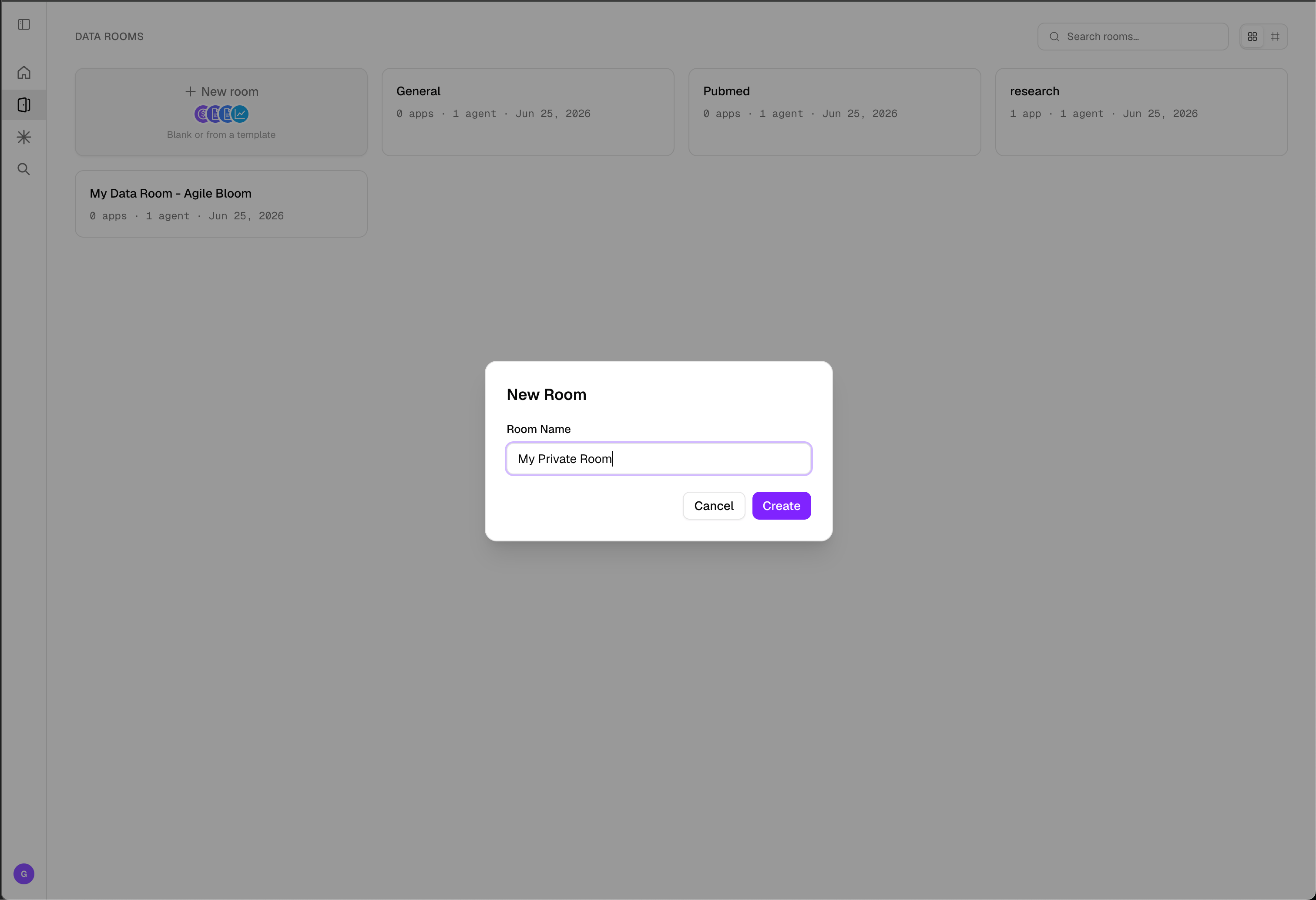
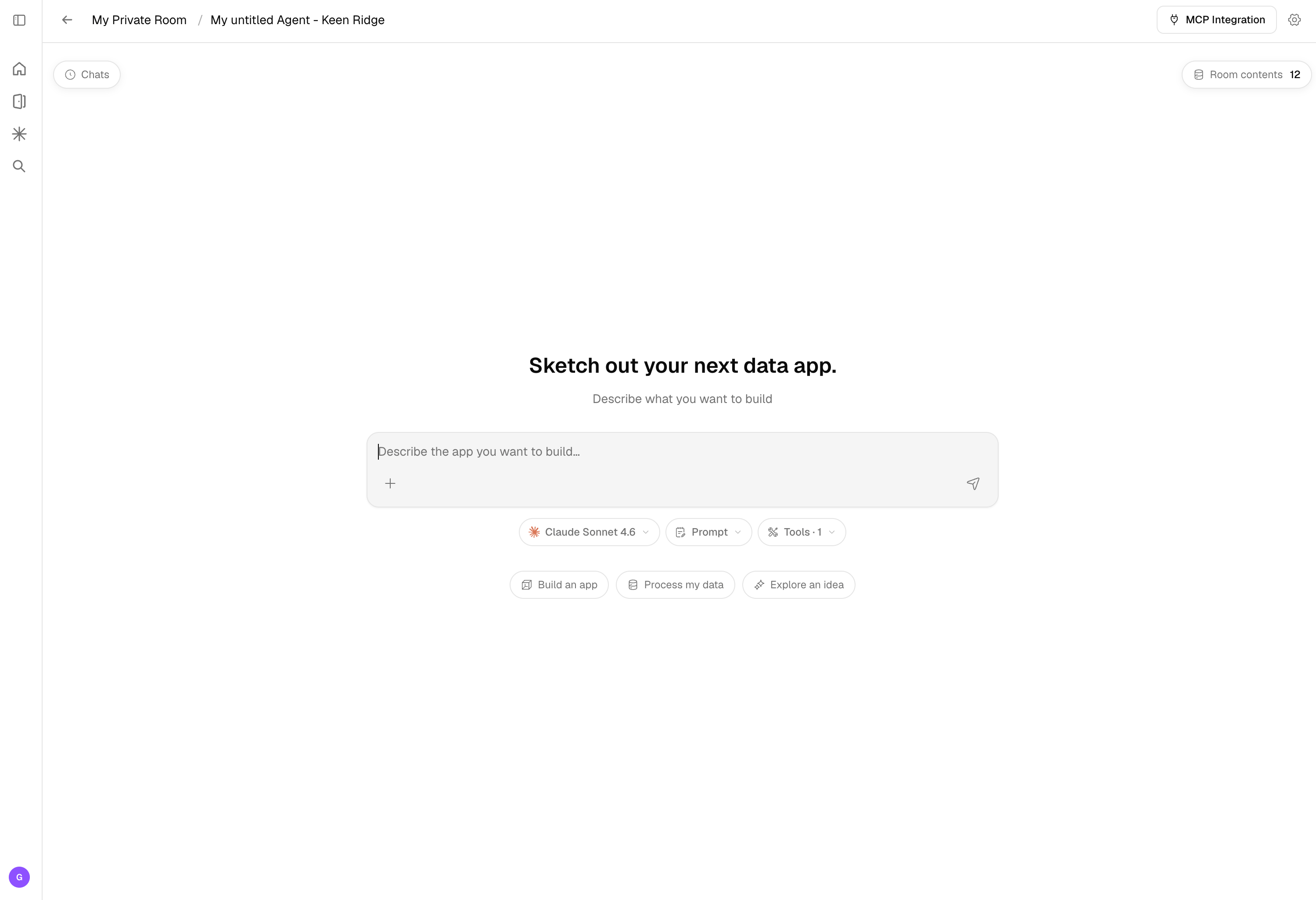
What You Can Do in a Room
Within the privacy boundary of a room, you have everything you need to turn data into intelligence:- Add data by uploading files or connecting to storage buckets, databases, and live web sources.
- Create agents that interact with your data and generate grounded insights.
- Create workflows to process, transform, and operationalize your data.
- Explore data to investigate, query, and surface insights.
- Create skills that extend what your agents can do.
Organizing with Rooms
Because rooms are isolated, they’re a natural way to structure work while keeping data separated:- By sensitivity — keep confidential or regulated data in its own room.
- By client or customer — give each engagement a dedicated, walled-off workspace.
- By team or department — let finance, legal, and research operate independently.
- By project — spin up a room per initiative without cross-contaminating data.
Related Documentation
User Access
Control who can access a room and what they can do.
Room Templates
Launch a pre-built room with a ready-to-use agent.
Exploration & Workflows
The room experience where the agent explores data and builds workflows.
Data Sources
Learn how to upload and manage data sources.