

What you can do
Everything in Corvic falls into four kinds of work. Each happens inside a room, on your data.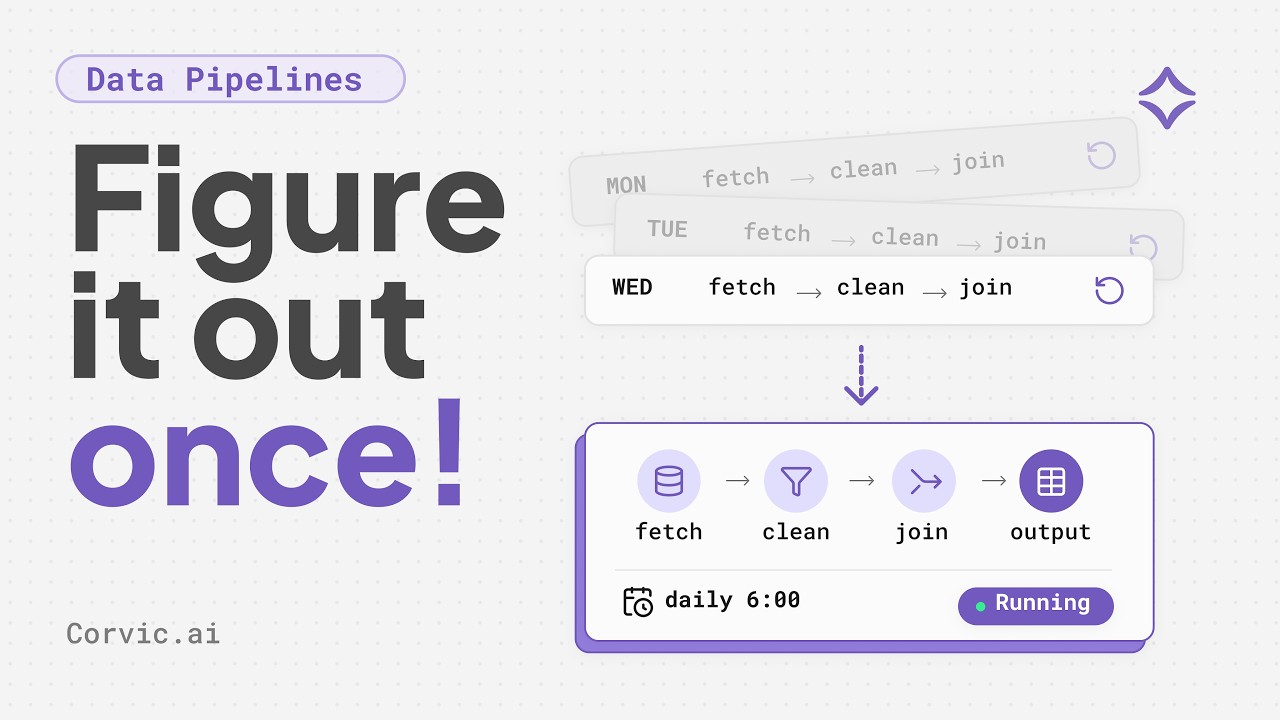
Data & Document Processing
Turn files, databases, and documents into clean, structured tables with pipelines, lenses, and agents.

Automation
Save a multi-step job as a playbook that anyone can rerun, on demand or on a schedule.
Agent Memory
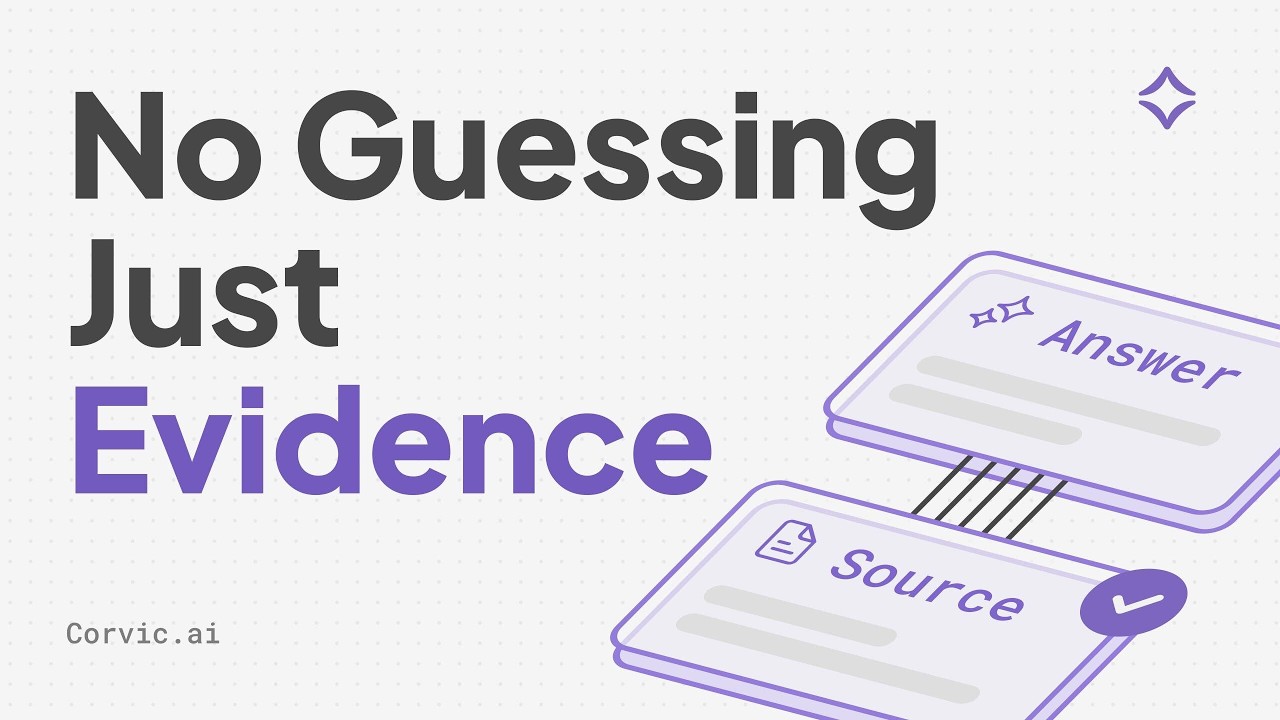
Give agents a memory of your data they answer from, with evidence you can check.
Live Apps
Publish web apps on your tables: boards, trackers, dashboards, hosted for you.
Data and document processing
Bring data in from files, storage, databases, and APIs, then shape it into tables your agents and apps use.Data pipelines
Ingest, transform, embed, and schedule, built on a canvas or by asking.
Document Lens
Read every contract, invoice, or paper into the same fields, with citations.
Agents
Explore data, run code, and build pipelines by chatting with an agent.
Automation
Playbooks
Reusable, multi-stage plans: diligence reports, AP aging, lead lists. Run one from chat, on a schedule, or from a live app.
Use cases
See what teams automate with Corvic, with a video for most.
Agent memory
Virtual Memory
Ask your data in plain English, or query its knowledge graph precisely. Answers come only from what the memory holds.
Bring it to your assistant
Ask your Corvic memories from Claude, ChatGPT, and other assistants through MCP Connect.
Live apps
Live Apps
Start from a template or describe the app in plain English. It reads your room’s tables when people open it.
Share them
Share apps, chats, and results with your team or by public link.
Cloud or Desktop
Both run the same platform on the same account. Use whichever fits the work, or both.Get started
1
Sign in or sign up
Go to app.corvic.ai. If you were invited, follow the link in your email; see User Access. New organizations can start with a free trial of a paid plan.
2
Create a room
Choose New room in the sidebar. A room holds one project’s data, agents, and results; see Rooms.
3
Add data and ask
Upload files or connect a source, then ask in the room’s chat. Not sure where to start? Browse use cases.
Find your way around
Inside a room, switch between Chat, Live Apps, Playbooks, Data Pipelines, Memory, and Lens. Each room also has an MCP Playground.
Managed for you
- Models included. Use Corvic’s own models and dozens from other providers without bringing keys; see All models.
- Connectors kept secret. Credentials live in the Connector Vault, and agents never see them.
- Access you control. Roles, teams, and policies decide who sees what; see Roles and access.
- Private networks. Reach databases in your own cloud over Private Networking, or from Dedicated IP addresses.